Auto Layout in Figma — Part 1
Master Figma's Auto Layout — from your first button to responsive cards, nested frames, and the shortcuts that make adaptive design fast.
Course Description
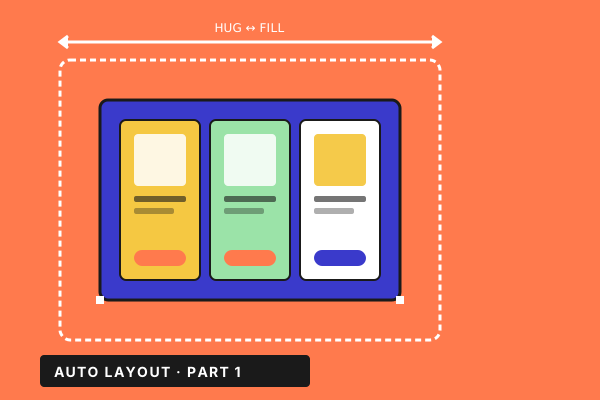
Auto Layout is the most-used and least-understood feature in Figma. Get it right and your designs resize correctly, your components ship without rebuilds, and engineering implements them in one pass. Get it wrong and every screen is a manual patch. This course is a hands-on, project-first walkthrough — you'll build real UI pieces and let Auto Layout do the heavy lifting, so the concepts stick. What you'll learn: • Build buttons, lists, menus and cards that resize the way responsive web/app UI is supposed to — without a layer of CSS-style guesswork. • Use Hug, Fill, and Fixed sizing fluently — and know when each one is the right answer. • Nest Auto Layouts inside one another to assemble whole screens that adapt to content, container, and breakpoint. • Handle the tricky bits: negative spacing, padding tricks, frame-within-a-frame patterns, and constraint behaviour at the edges. • Shortcut your way through repetitive work — the keyboard chords that turn a 30-second adjustment into a 3-second one. Who it's for: Designers who already know basic Figma and want their files to behave like real responsive UI, and engineers who need to read those files without surprises. What's inside: 11 focused lessons. Real builds (not theoretical demos) you can rebuild on your own files as you go. English audio.
Related Courses
More from the Design catalogue