Auto Layout in Figma — Part 2
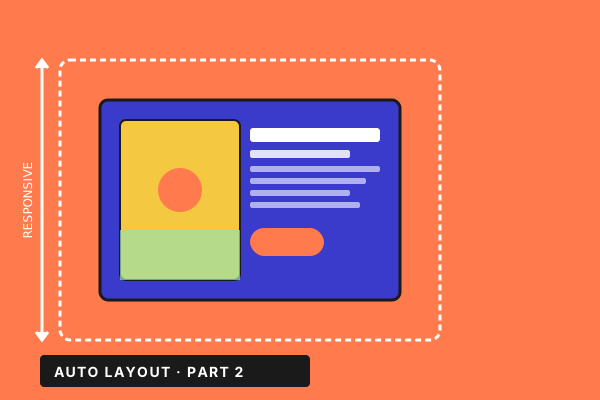
Auto Layout — Part 2. Build full text + image responsive layouts and complete card systems that stretch, wrap, and reflow exactly the way a coded design system would.
Course Description
The continuation of «Auto Layout in Figma — Part 1». Where Part 1 covered the primitives — buttons, lists, menus, Hug/Fill — Part 2 puts them to work on real, full-screen UI patterns. What you'll build: • Text + image responsive layouts that handle long copy, narrow viewports, and content swaps without manual fixes — across four progressive lessons. • A full card system: header, hero image, body copy, CTA — wired so any of the four columns of properties can change and the card reflows automatically. What you'll learn along the way: • Mixing fixed and fill children inside the same Auto Layout frame for editorial control. • Image-on-text layouts that stay readable at every breakpoint. • When to nest, when to flatten — and the diagnostic checks that tell you which. • Component-ready patterns that survive being dropped into your design system tomorrow. Prerequisite: Part 1 of this course (or equivalent hands-on Auto Layout experience — Hug, Fill, padding, constraints). Who it's for: Designers ready to graduate from «I tried Auto Layout once» to «my files behave like real responsive UI». What's inside: 8 hands-on lessons across two practical sections (~2.5 hours of focused builds). English audio.
Related Courses
More from the Design catalogue