Figma for UX Design
From a blank canvas to a clickable prototype — Figma essentials for UX designers, in two focused hours.
Course Description
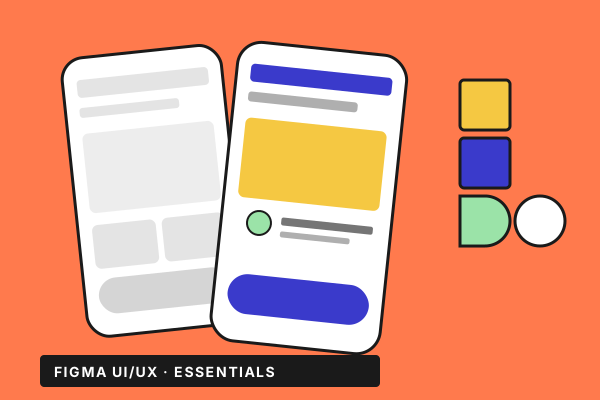
Figma is the de-facto standard for UX work, and this short course gets you productive in it without filler. You'll start from a fresh account, set up your first file the way a senior designer would, and finish with a clickable prototype you can hand off to engineering or stakeholders. What you'll learn: • Set up a Figma project the right way — files, pages, frames, local fonts, importing from Sketch. • Build screens with confidence — shapes, drawing, images and masks, type, layers, components. • Make designs survive resizing — constraints and component instances. • Keep history under control — versioning, names, structure. • Turn static screens into a clickable prototype that real people can test. Who it's for: Designers, product managers, and developers who want to be productive in Figma fast — no prior tool experience required. What's inside: 20 hands-on lessons across four sections, each under ten minutes. English subtitles. Exercise files included so you can build alongside the instructor.
Related Courses
More from the Design catalogue